THE DESKTOP OPERATIONS WORKSPACE
XTermProA desktop workspace.
For everyday operations.
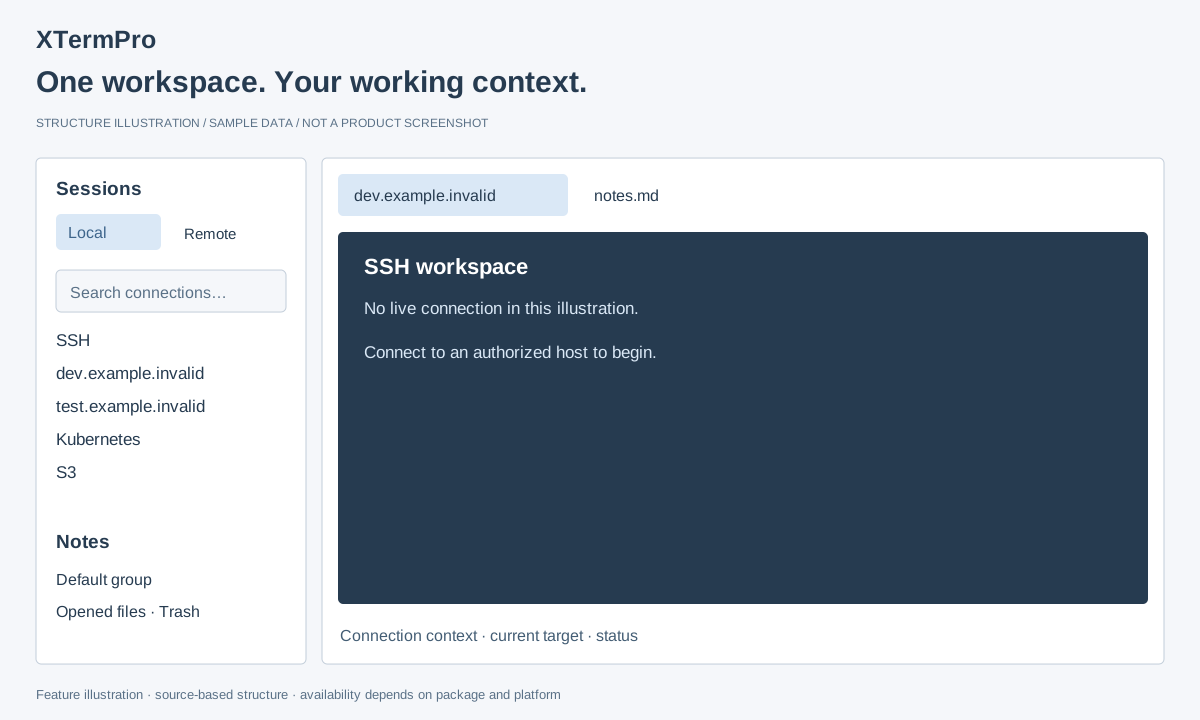
Connections, file transfers, scripts and notes — together in one workspace.
macOS · Windows / Linux: experimental, awaiting release
 View larger
YOUR EVERYDAY WORKFLOW
From connection to context.
Less switching. More room for the work in front of you.
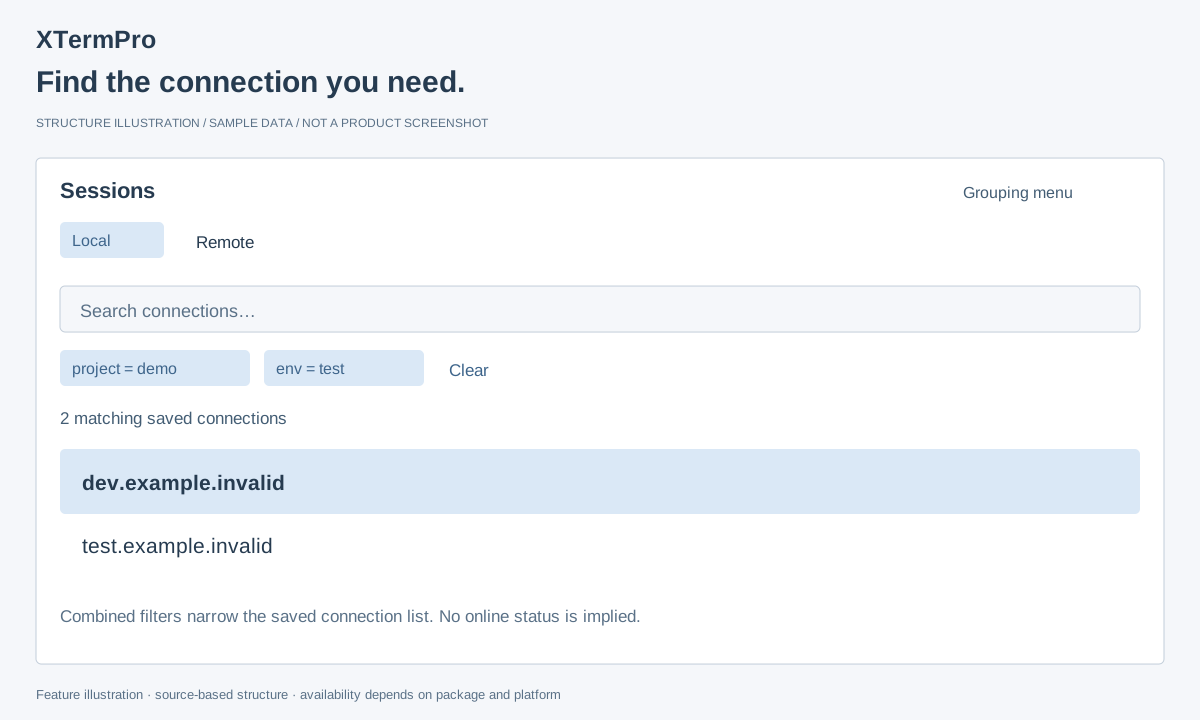
Organize your connections.
Group saved connections and combine Key/Value filters to find the target you need.
Read the guide →Tag filters: announced in v3.2.18 for macOS and Windows packages.
 View larger
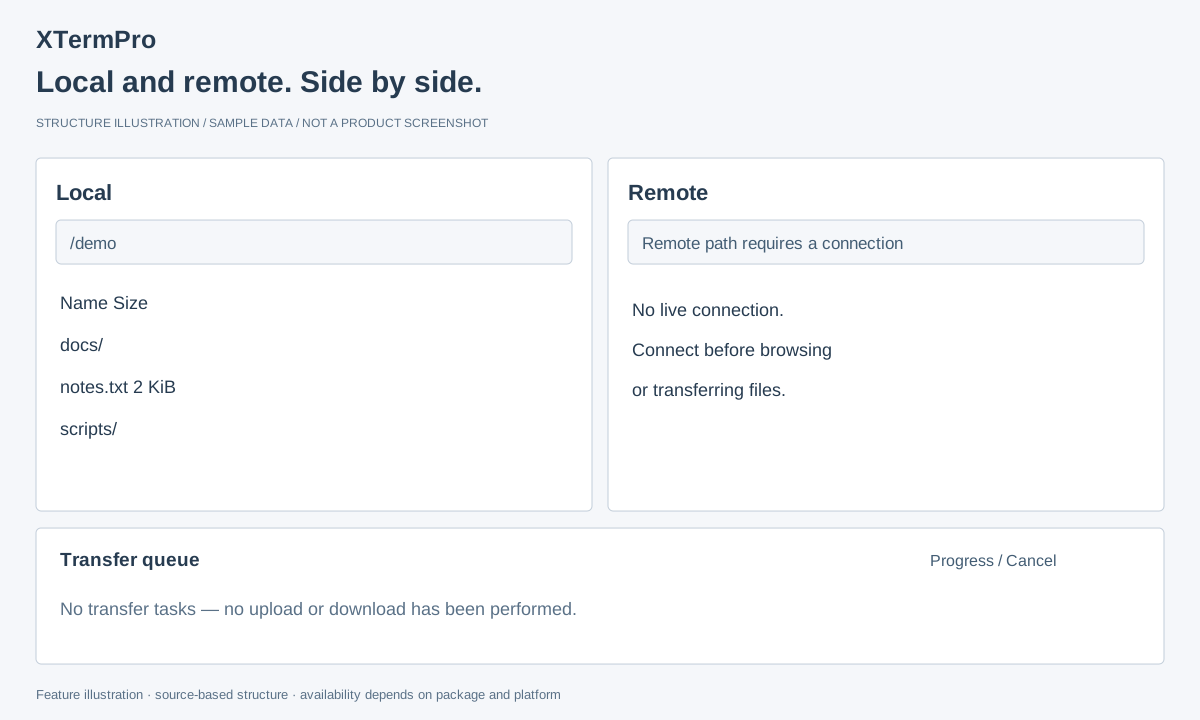
Transfer files with SFTP.
Browse local and remote folders side by side. Check paths, follow progress and cancel transfers when needed.
Read the guide →Package verification pending. Some proxy combinations are disabled.
 View larger
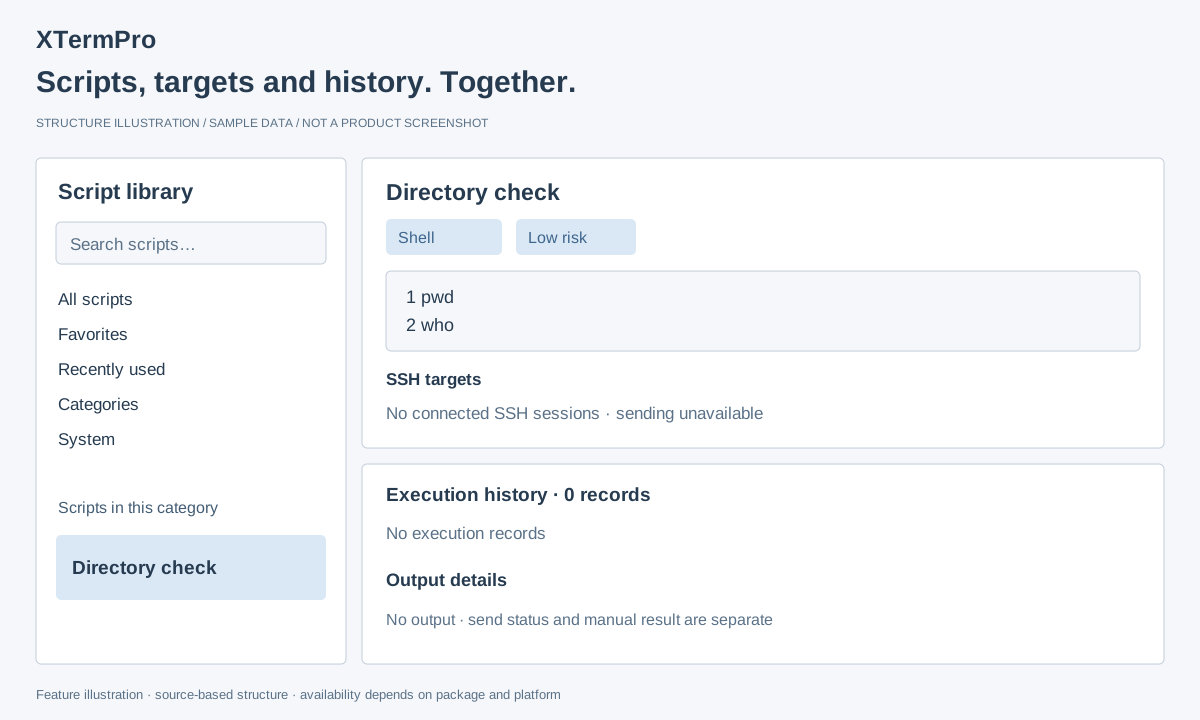
Scripts, targets and history.
Keep reusable scripts, SSH targets, send history and captured output in one workspace.
Read the guide →Announced in v3.2.17. Sent does not mean the remote command succeeded.
 View larger
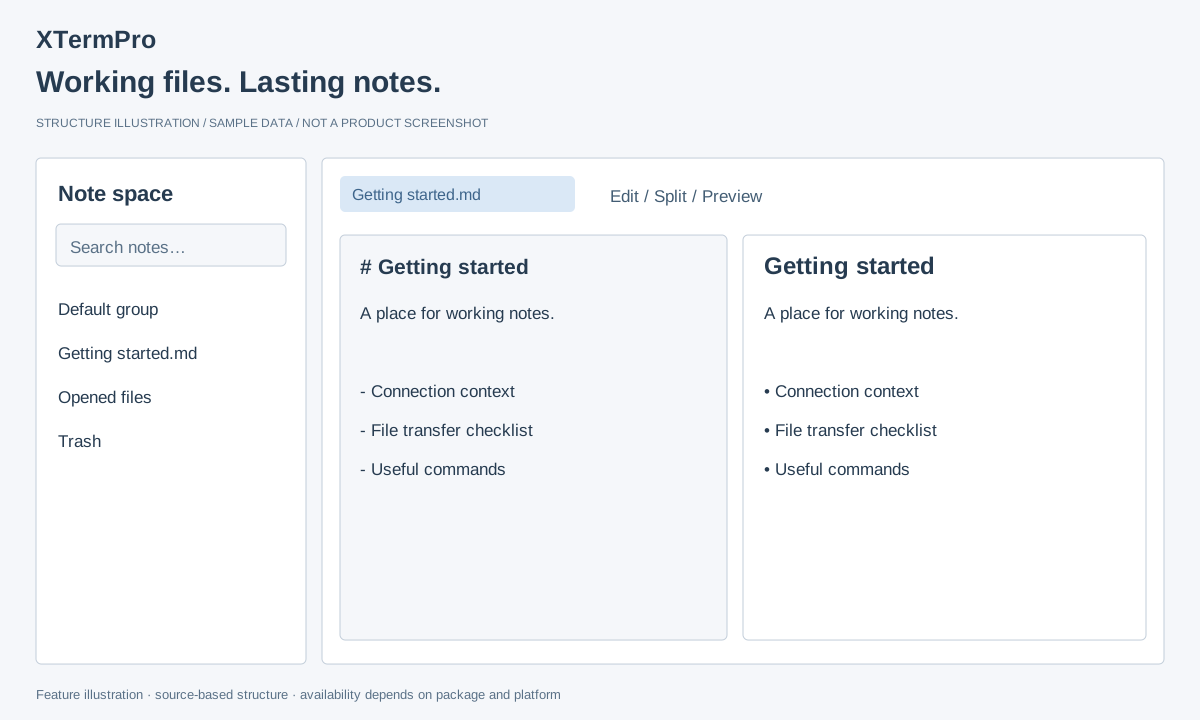
Keep files and notes together.
Edit files, preview Markdown and organize working notes with groups and a recycle bin.
Read the guide →Source-based workflow. Package verification pending; preview components vary.
 View larger
Illustrations explain the workspace structure. Availability varies by release, platform and components.
Extend your workspace.
Kubernetes needs a configured cluster and permissions. AI and iChat depend on services, credentials and package components. RDP remains a development preview.
Explore all features →Make yourself at home.
Choose a desktop package, then follow the getting started guide.